

A server crash at 10:15 a.m. can turn a normal workday into a full-stop business problem by 10:20. The real question in that moment is not whether your team has backups. It is whether those backups are usable, current, and fast enough to keep operations moving. That is why the cloud backup vs onsite conversation matters so much for small and mid-sized businesses.
Most companies do not need a philosophical answer. They need a practical one. If your office depends on shared files, customer records, accounting systems, email, or line-of-business apps, your backup strategy needs to support how your business actually runs. The wrong setup can mean longer downtime, failed restores, compliance exposure, and a lot of wasted money.
Cloud backup vs onsite: the core difference
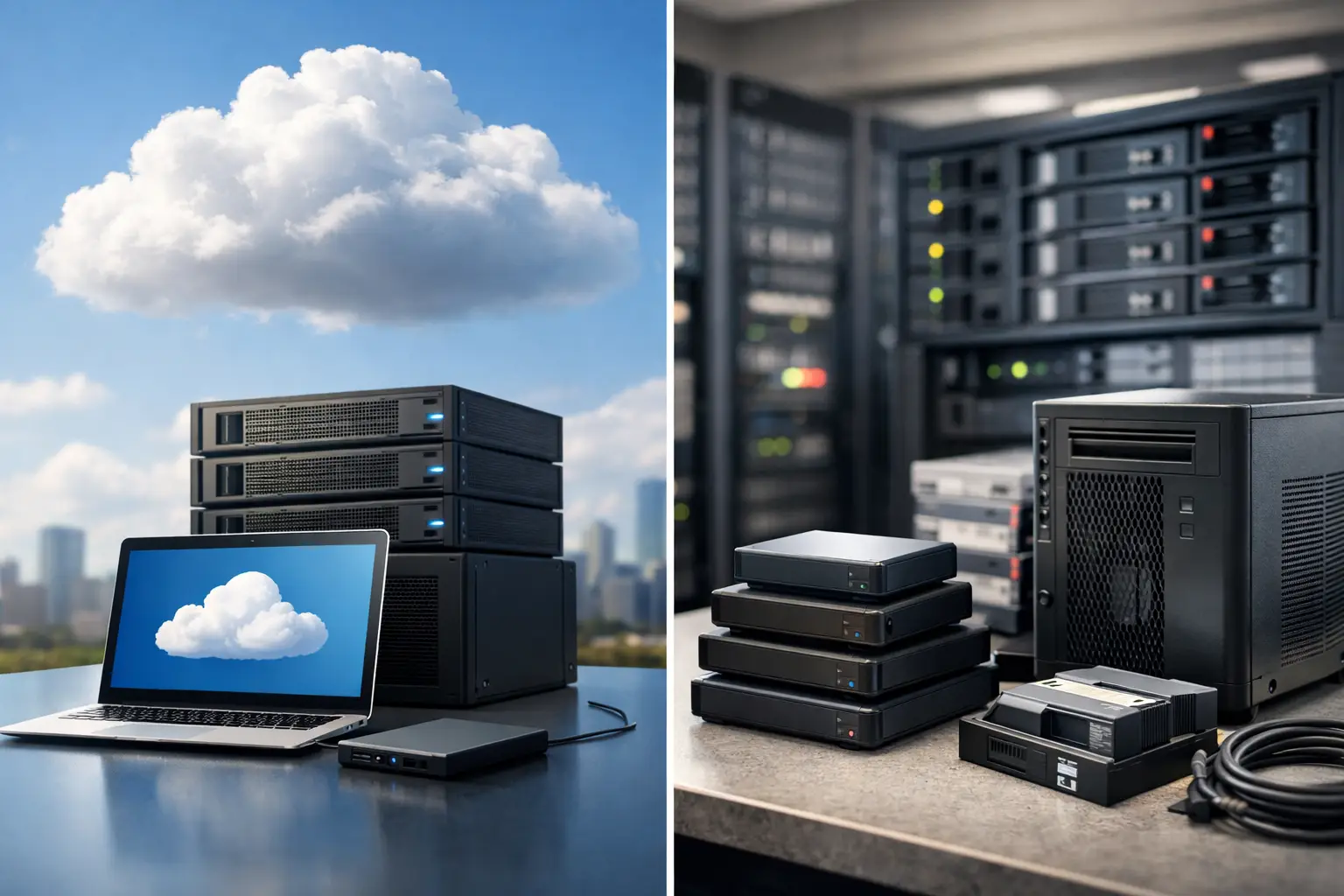
Cloud backup stores protected data in an offsite environment managed through internet-connected infrastructure. Onsite backup stores data locally, usually on a server, NAS device, external appliance, or backup repository inside your office or facility.
That sounds simple, but the trade-off is where business decisions start. Cloud backup gives you geographic separation. If your office has a fire, flood, theft incident, ransomware event, or power issue, your backup still exists somewhere else. Onsite backup gives you speed and direct control. Large file restores are often faster when the data is sitting on equipment in your own building.
Neither option is automatically better in every case. The right answer depends on how much data you have, how quickly you need systems back online, what your internet can handle, and how much risk your business can tolerate.
Where cloud backup makes the strongest case
Cloud backup is often the better fit for businesses that need offsite protection without building and maintaining a second physical location. That matters more than many owners realize. If your only backup device is sitting a few feet away from the server it is supposed to protect, one major incident can wipe out both.
For companies with distributed teams, cloud backup also makes management easier. Data can be protected across multiple offices, remote endpoints, and Microsoft 365 or Google Workspace environments without relying on someone in the office to rotate drives or check jobs manually. That reduces the chances of human error, which is still one of the most common backup problems.
Cloud backup also helps when compliance and auditability enter the picture. Many businesses need documented retention, encrypted storage, access controls, and reporting. A properly configured cloud backup platform can deliver that with less hardware overhead than a fully self-managed local environment.
The drawback is recovery time. If you need to pull back a very large amount of data, internet bandwidth becomes a real factor. Restoring a few files is one thing. Restoring several terabytes after a major outage is another. Cloud backup can be excellent for protection, but not always ideal as your only recovery path when every minute counts.
Where onsite backup still matters
Onsite backup still earns its place because recovery speed matters. If a user deletes a shared folder, a virtual machine fails, or a database becomes corrupted, local backup often gives you the fastest route back to normal. You are not waiting on a large internet transfer. Your team can restore from equipment on the same network, often with less delay and more predictable timing.
That speed is a real business advantage in environments where downtime gets expensive quickly. Medical practices, law offices, warehouses, construction firms, manufacturers, and service businesses all feel the pain when systems go offline. If staff cannot access schedules, job files, invoices, or customer records, revenue slows down immediately.
Onsite backup can also be appealing for organizations that want tighter physical control over their backup hardware. Some business owners simply prefer knowing where the device is and who can touch it.
The problem is that onsite backup alone leaves a major gap. If the building is compromised, your backups may be too. Hardware can also fail, backup jobs can go unchecked, and storage appliances need maintenance. Local control is useful, but it also creates local responsibility.
Cost is not as straightforward as it looks
A lot of decision-makers assume onsite backup is cheaper because they are buying a device instead of paying recurring cloud storage fees. Sometimes that is true at first. But initial hardware cost is not the whole picture.
With onsite backup, you need to account for the backup appliance, storage expansion, replacement cycles, monitoring, patching, power, cooling, and staff or vendor time to maintain it. If the hardware fails and no one notices quickly, the business cost can dwarf the savings.
Cloud backup shifts more of that spending into ongoing service fees. That can be easier to budget, especially for growing companies that want predictable monthly costs. But cloud pricing can rise with storage growth, longer retention periods, and more endpoints.
The better way to evaluate cost is this: what are you paying for recoverability, not just storage? Cheap backup that restores slowly, inconsistently, or not at all is expensive when it counts.
Recovery objectives should drive the decision
If you want a useful answer to cloud backup vs onsite, start with two questions. How much data can you afford to lose? How long can you afford to be down?
Those are your recovery point objective and recovery time objective, whether you call them that or not. If your business can only tolerate losing 15 minutes of work and being offline for one hour, your backup design needs to meet that target. If you can handle a longer outage for archival systems, the solution can be different.
This is where many businesses get into trouble. They buy backup based on storage size or price, but not on actual recovery needs. Then a crisis hits and they find out their restore process takes far longer than expected.
A good backup strategy is built around business priority. Your accounting server may need one standard. Shared archives may need another. Executive laptops, cloud apps, and production systems should not all be treated exactly the same.
Why hybrid backup is usually the smart move
For most small and mid-sized businesses, the best answer is not cloud or onsite. It is both.
A hybrid model gives you the speed of local recovery and the safety of offsite protection. That means quick restores for everyday issues and a survival path if your office is hit by ransomware, hardware failure, theft, or disaster. It also reduces the risk of relying too heavily on one method.
This is the practical version of the 3-2-1 backup rule: keep multiple copies of your data, store them on different media, and keep at least one copy offsite. It works because it reflects how outages really happen. Some are small and annoying. Others are serious enough to shut down a location.
For many businesses, hybrid backup is the point where backup starts acting like business continuity instead of just file storage.
Security changes the conversation
Backup is not just about accidents anymore. It is also about malicious events. Ransomware can target production systems and backup repositories. If backups are connected, poorly segmented, or improperly secured, they can be encrypted or deleted along with everything else.
That means your backup plan should include immutability where possible, access restrictions, multifactor authentication, monitoring, and regular restore testing. A backup that has never been tested is a theory, not a recovery plan.
This is also where working with a provider that understands both IT operations and cybersecurity helps. Backup decisions are tied to endpoint security, network controls, permissions, and incident response. Treating backup as a standalone purchase often creates blind spots.
How to choose the right fit for your business
If your business has limited internal IT support, multiple locations, remote users, or compliance pressure, cloud backup deserves serious attention. If your team depends on large file sets, fast local restores, or low-latency recovery, onsite backup still has a strong role.
If you want the safest path for everyday operations and worst-case scenarios, hybrid backup is usually the best investment. It is the model many service-driven IT partners recommend because it balances speed, protection, and operational reality.
The right backup plan should fit your systems, your risk level, and your recovery expectations. It should also be monitored, tested, and documented so there are no surprises when something breaks. That is where a hands-on partner like KnowIT can make a real difference – not by selling backup in a vacuum, but by building a recovery strategy that supports uptime, security, and the way your business actually works.
The best backup choice is the one that lets your team keep moving when something goes wrong, because sooner or later, something will.