

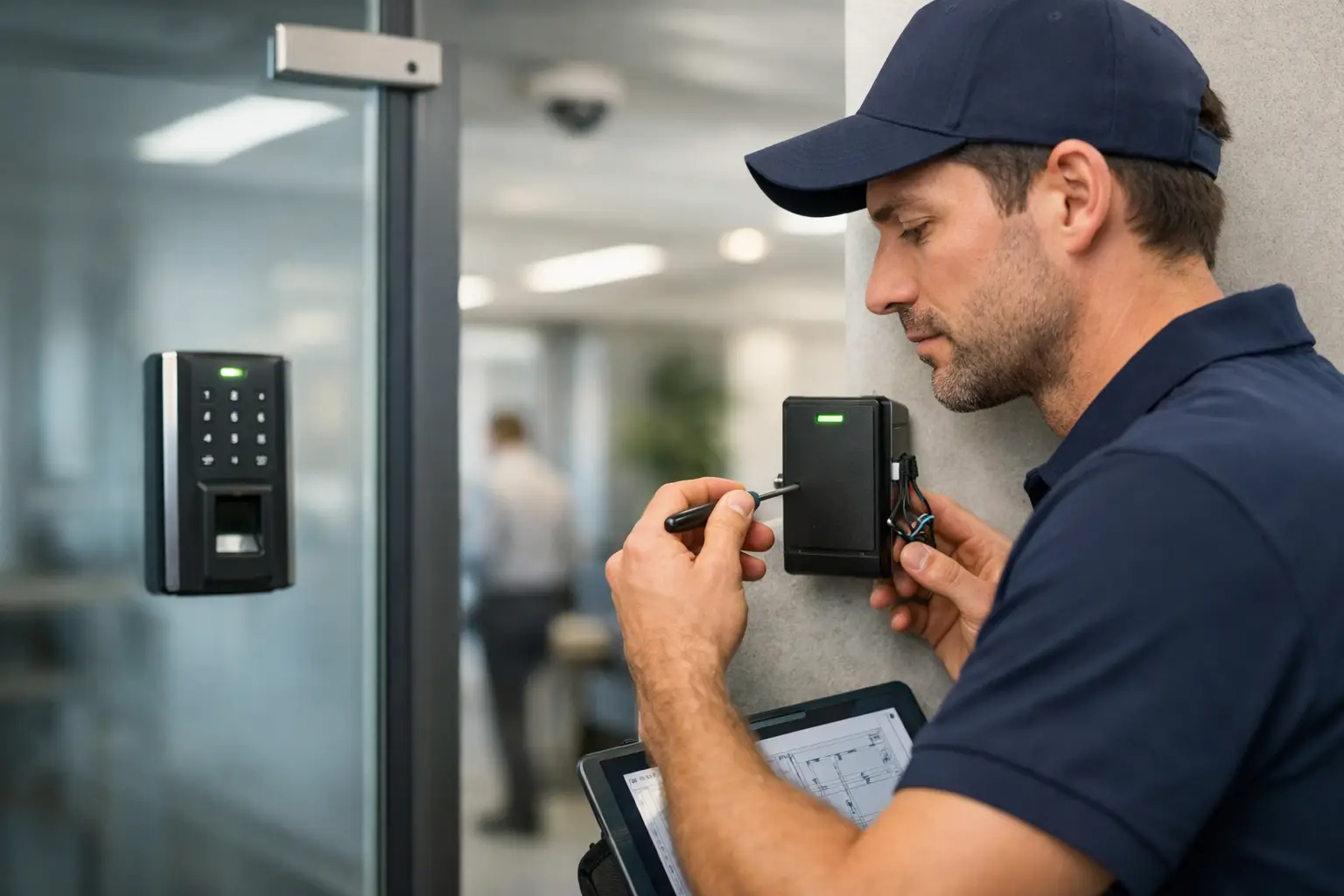
A stuck front door can slow down your morning. A bad badge reader can lock employees out. A poorly planned access control system installation can do worse – create security gaps, frustrate staff, and leave you paying twice to fix avoidable mistakes.
For small and mid-sized businesses, access control is not just about replacing keys with cards or phones. It is about controlling who gets in, where they go, and when they should have access, without adding daily friction to your team. When the system is installed correctly, it supports security, operations, compliance, and even employee turnover management. When it is rushed or pieced together by the wrong vendor, it becomes one more business problem to babysit.
What access control system installation actually involves
A proper access control system installation is part security project, part infrastructure project, and part operational planning. That is why many business owners underestimate it at the start.
You are not just mounting readers by doors. You are evaluating entry points, selecting credentials, confirming power and network availability, planning door hardware, defining user roles, and making sure the system works with the way your business actually operates. A front office, warehouse, server room, and employee-only hallway may all need different rules.
The right setup usually includes door readers, electronic locks, request-to-exit devices, controllers, cabling, power supplies, software, and credential management. In some cases, it also needs to coordinate with video surveillance, alarm systems, visitor management, or fire life safety requirements. That is where installation quality matters. A system can look good on paper and still fail in the field if the hardware, cabling, and permissions are not aligned.
Why businesses upgrade from keys to managed access
Keys are simple until they are not. Once employees leave, contractors come and go, or multiple suites need different permission levels, physical keys become expensive and hard to track.
Managed access gives you control that keys cannot. You can assign access by person, department, time of day, or location. You can revoke access quickly without rekeying a building. You can review entry activity when there is a dispute or a security concern. For businesses handling customer records, payment data, inventory, or restricted areas, that level of visibility is often worth the investment on its own.
There is also an operational benefit. Office managers and operations teams spend less time chasing keys, replacing locks, and dealing with access confusion. If your business is growing, opening another location, or tightening internal security, access control is often one of the smartest infrastructure upgrades you can make.
Planning an access control system installation the smart way
The best projects start with the business, not the hardware. Before anyone quotes equipment, the first question should be how your building is used day to day.
A medical office may need tighter control around records rooms and medication storage. A retail operation may focus on back stock areas, manager offices, and delivery entrances. A warehouse may need separate schedules for drivers, staff, and supervisors. The system should reflect those realities instead of forcing your staff into awkward workarounds.
This is also the stage where trade-offs show up. Cloud-managed systems give many businesses easier remote administration and faster updates, but some organizations prefer on-premises control due to internal policy or industry requirements. Mobile credentials can reduce card replacement costs, but not every workforce wants to rely on personal phones. Biometric access can improve identity assurance in some spaces, but it may raise privacy concerns depending on the workplace and region.
A good installer talks through those decisions clearly. They should not push a one-size-fits-all package. They should help you decide what is necessary now, what should be phased later, and what will create the least friction for your team.
The biggest mistakes in access control system installation
Most access control problems do not come from the idea itself. They come from bad scoping, poor coordination, or cheap shortcuts.
One common issue is treating every door the same. Not all openings need the same hardware, and not every door is suitable for the same lock type or reader placement. Glass storefront doors, metal doors, gate entries, interior office doors, and emergency exits all have different requirements. If that is ignored, you end up with unreliable doors, code issues, or expensive rework.
Another problem is weak infrastructure planning. Access control relies on more than devices at the door. It needs stable power, clean cabling, proper controller placement, and network coordination where required. If your installer is not thinking about low-voltage pathways, backup power, or connectivity, the system may work until the first outage or service issue.
The third mistake is ignoring administration after install. If no one defines user groups, schedules, escalation contacts, and credential policies, the system quickly becomes messy. Businesses should know who can add users, who reviews access when employees leave, and how temporary access is handled for vendors or visitors.
How to choose the right installer
This is where many projects are won or lost. A capable installer should understand doors, hardware, low-voltage cabling, software setup, and business operations. If they only know one piece of that puzzle, the burden falls back on your staff.
Look for a provider that asks detailed questions about your layout, staffing, turnover, security concerns, and future plans. If they only talk about readers and keycards, that is not enough. You want a partner who can coordinate the full environment, especially if access control may need to align with cameras, alarms, networking, or IT policies.
Responsiveness matters too. An access issue at a main entrance is not a minor inconvenience. It affects safety, productivity, and customer experience. Businesses are better served by a team that can install, support, troubleshoot, and scale the system over time instead of disappearing after the initial job.
That all-in-one approach is one reason many organizations work with partners like KnowIT. When the same team understands infrastructure, networking, cybersecurity, and on-site support, there are fewer handoff problems and faster fixes when something needs attention.
What to expect during installation
A professional installation should feel organized, not chaotic. After the site review and scope are approved, the installer should map out door types, hardware requirements, controller locations, power needs, credential setup, and software configuration.
From there, work often includes running cable, installing door hardware, mounting readers, connecting controllers, programming access rules, and testing each opening under normal and exception conditions. That last part matters. A door should not only unlock when it is supposed to. It should also behave correctly during emergencies, power loss scenarios, and schedule changes.
Training is part of the install, not an optional extra. Someone on your team should know how to add users, deactivate credentials, run reports, and request support. If the system includes cloud management, your administrator should also understand account permissions and security best practices.
Cost, scale, and what affects the budget
Pricing depends on more than door count. The type of locks, door condition, credential method, software model, cabling distance, after-hours work, and integration requirements all affect the final number.
A single office suite with two controlled doors is very different from a multi-entry facility with restricted rooms, camera integration, and multiple user groups. In some buildings, existing door hardware can be reused. In others, the door itself needs modification to support electronic locking correctly. That is why fast, generic quotes are often misleading.
The better question is not just what the system costs, but what problems it solves. If access control helps reduce loss, prevent unauthorized entry, simplify employee offboarding, and avoid repeated rekeying, the value is easier to justify. For many businesses, the operational savings show up long before the hardware is fully depreciated.
After installation, support is the real test
The day the system goes live is not the finish line. People get hired, roles change, credentials get lost, and business hours shift. Over time, your access control system needs updates, reviews, and support.
That is why long-term usability matters as much as installation quality. A system that is too complicated to manage will be neglected. A system that no one supports quickly becomes a liability. The goal is simple control your team can maintain without confusion.
If you are considering access control system installation, think bigger than the door reader. Think about how your people move through the building, how your business handles risk, and how much time you want to spend managing vendors when something goes wrong. The right system should reduce headaches, not create new ones. Done right, it becomes one of those rare upgrades that improves security and operations at the same time.