

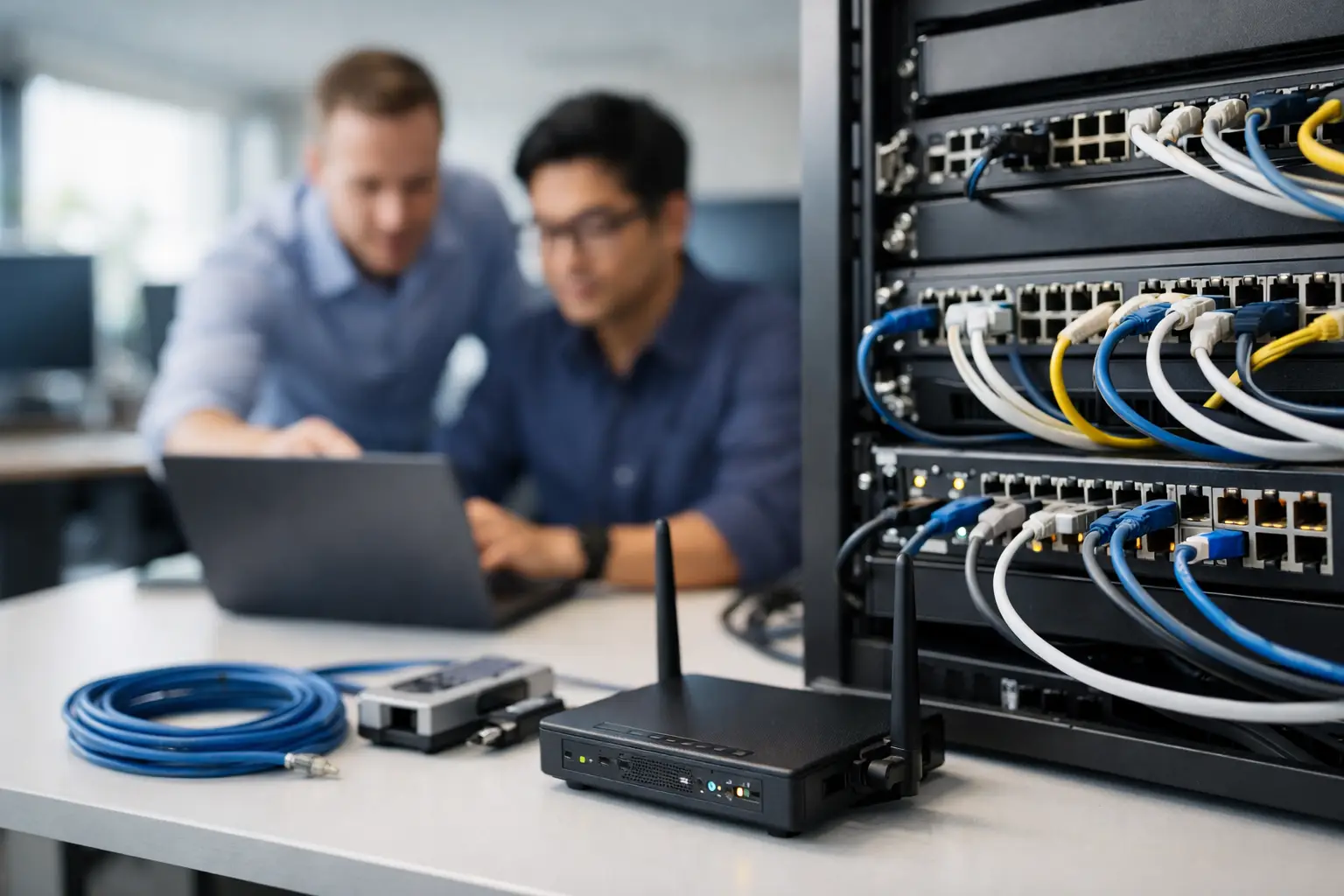
A bad office network usually announces itself at the worst possible moment. Video calls freeze during client meetings, file access drags, printers disappear, and staff start making up workarounds that create even bigger problems later. That is why office network setup services are not just an IT line item. They are the foundation for how your team works, communicates, and stays productive every day.
For small and mid-sized businesses, the real issue is rarely just internet speed. It is usually a mix of weak Wi-Fi design, aging switches, poor cable runs, no segmentation, inconsistent security settings, and no clear plan for growth. If your office network was pieced together over time by different vendors or internal staff, you may have a system that technically works but constantly costs you time.
What office network setup services should actually include
A proper setup starts long before hardware is mounted. The first step is understanding how your business operates. A 12-person professional office has very different needs than a medical practice, warehouse operation, retail showroom, or multi-suite commercial space. Device count matters, but so do workflows, compliance requirements, guest access, VoIP use, security cameras, cloud applications, and how much downtime your team can tolerate.
Strong office network setup services should cover network design, structured cabling, switch and firewall deployment, wireless access point placement, internet failover planning when needed, VLAN configuration, device testing, and documentation. If you are moving into a new space or expanding an existing one, the provider should also coordinate the physical side of the job, not just the settings inside a dashboard.
That is where many projects go sideways. One vendor handles low-voltage cabling, another installs the firewall, another configures phones, and no one owns the final result. When something breaks, every vendor points somewhere else. Businesses end up paying for coordination instead of paying for progress.
Why the cheapest network install often costs more
There is a big difference between getting internet in the office and building a network your business can rely on. Low-cost installs often skip planning, use consumer-grade equipment, place wireless access points based on convenience instead of coverage, and leave behind little or no documentation. That may keep the initial quote low, but it usually creates hidden costs fast.
You see those costs in dropped connections, slow onboarding for new employees, recurring support tickets, weak security controls, and expensive troubleshooting later. Even simple office moves become harder when nobody knows how the network was built. If your operations depend on cloud software, phone systems, file sharing, point-of-sale systems, or connected devices, poor setup becomes an ongoing drag on the business.
The better approach is to build for current demand with room to grow. That does not always mean buying the most expensive hardware. It means making smart decisions about bandwidth, switch capacity, wireless density, security policy, and cabling paths so the network still makes sense a year or two from now.
The most common problems businesses run into
Many offices outgrow their network quietly. They add more staff, more devices, more software, more cameras, and more bandwidth-heavy tools, but the underlying setup never changes. Over time, the network becomes crowded, inconsistent, and harder to manage.
One common issue is poor Wi-Fi coverage. Access points may be installed too far apart, too close together, or in areas blocked by walls, glass, or equipment. Another is flat network design, where every device sits on the same network. That makes management harder and creates unnecessary security exposure. A guest device, printer, workstation, and camera system should not all live in the same unrestricted environment.
Cabling is another overlooked problem. Messy or unlabeled runs slow down every future service call. Bad terminations and inconsistent patching can create intermittent issues that waste hours in troubleshooting. Then there is the security side. Too many offices run on default settings, outdated firmware, and firewall rules nobody has reviewed in years.
These are not edge cases. They are common operational issues that show up in growing businesses all the time.
Office network setup services for growing teams
If your business expects to hire, add workstations, open additional rooms, support hybrid employees, or roll out new connected systems, your network should be designed with that in mind from the start. Growth changes traffic patterns. It also changes risk.
A smart network setup accounts for future switch ports, power over ethernet needs, additional wireless coverage, separate networks for staff and guests, and the ability to support tools like security cameras, access control, VoIP phones, and cloud collaboration platforms without straining performance. It should also make support easier, not harder.
This is where an experienced provider adds value. Good office network setup services do not stop at installation. They create an environment that can be maintained, secured, and expanded without starting over every time your business changes.
Security cannot be bolted on later
Businesses often treat network security as a separate project. In practice, it starts with the setup. If the office network is designed without segmentation, access policies, secure remote management, and proper firewall configuration, you are building risk directly into daily operations.
That matters even more for companies handling sensitive customer data, payment information, internal financial records, or regulated information. A weak network design can create compliance issues and expose the business to avoidable threats. Even if you are not in a heavily regulated industry, ransomware, phishing-related lateral movement, and unauthorized device access are real business risks.
A strong setup should include secure wireless configuration, business-grade firewall deployment, network segmentation, update planning, administrative access controls, and visibility into what devices are actually connected. Depending on the environment, it may also need content filtering, VPN access, endpoint alignment, and backup internet continuity.
Security should match the business. A five-person office does not need the same design as a multi-department operation with public-facing traffic and internal servers. But every business needs more than a password on the Wi-Fi.
What to expect from a professional rollout
A good rollout feels organized. The provider should ask smart questions early, inspect the space, identify current and future device needs, and explain what is being installed and why. You should know whether the project includes cabling, rack setup, equipment procurement, wireless design, firewall policy, testing, labeling, and post-install support.
Timing matters too. Some network installs can be done with little disruption. Others require after-hours scheduling, especially if you are replacing core equipment or transitioning from an older network during business operations. A capable team plans around downtime instead of surprising you with it.
Documentation is another mark of a serious provider. You should not be left with a pile of equipment boxes and a Wi-Fi password scribbled on a sticky note. You should have a clear record of device locations, configurations, login ownership, cable labeling, and support contacts. That makes every future change easier.
One provider or a stack of vendors
For many businesses, the bigger challenge is not the network itself. It is managing the people involved. If one company installs cabling, another handles internet, another configures the firewall, and another manages support, accountability gets blurry fast.
That is why integrated service matters. When the same partner can handle infrastructure deployment, cybersecurity alignment, managed support, and ongoing business technology needs, problems get solved faster and decisions get made with the full picture in mind. KnowIT is built around that model because businesses do better when one accountable team owns both implementation and support.
That does not mean every company needs an all-in-one partner for every project. But if you are already tired of chasing multiple vendors, consolidating your network setup and support under one roof can remove a lot of friction.
How to know it is time to upgrade
If your office network only gets attention when something fails, you are already behind. Frequent Wi-Fi complaints, slow file access, random disconnects, dead zones, unreliable VoIP quality, and growing security concerns are all signs that the current setup is not keeping up with the business.
The same is true if you are moving offices, renovating, adding staff, opening a second location, or bringing more devices online. These are the right moments to fix the foundation instead of carrying old problems into a new environment.
A network should help your business move faster. Staff should not need to think about whether the connection will hold, whether a conference room can handle a call, or whether adding one more device will break something. When the setup is done right, the network disappears into the background and your team gets to focus on work.
If that is not your current reality, it may be time to stop patching around the problem and build the office network your business actually needs.